Best AI Apps for Zendesk IT Teams in 2026
By ResolvCmd
Every “best AI apps for Zendesk” list you’ll find is written for e-commerce and B2C customer support teams. The tools they recommend are chatbots, auto-responders, and customer-facing deflection engines. Fine if your tickets are about shipping delays and subscription cancellations.
But if your Zendesk instance handles IT support — internal helpdesk tickets, MSP client requests, technical troubleshooting — those tools miss the point. IT tickets aren’t about writing a friendly reply. They’re about finding the right procedure and executing it correctly.
This list covers AI apps that work inside Zendesk for IT service teams. Some are built specifically for technical support. Others are general-purpose but have capabilities that translate to IT workflows. We’ll call out which is which.
What IT teams need from Zendesk AI apps
The requirements are different from customer support. Before the list, here’s what separates useful AI tools from noise for IT teams running Zendesk:
- Internal knowledge integration — Your AI needs to pull from IT Glue, Hudu, Confluence, or wherever your SOPs actually live. If it only reads your Zendesk Help Center, it’s working with a fraction of your knowledge.
- Structured resolution steps — IT tickets need numbered procedures with specific commands, paths, and config details. Not paragraph-form responses written for customers.
- Documentation-linked output — When the AI suggests a procedure, you need to know where it came from. Can you click through to the original SOP? If not, you’re trusting a black box with production systems.
- Multi-tenant awareness — MSPs managing 50+ client environments need AI that understands Client A’s VPN setup is different from Client B’s. Generic tools treat all tickets the same.
- Works alongside existing tools — IT teams already have documentation platforms, RMM tools, and established workflows. The AI app should plug into what exists, not require a rip-and-replace.
With that framework, here are the apps.
ResolvCmd
The only resolution engine on the Zendesk Marketplace built specifically for IT service teams.
What it does: Connects your internal documentation platforms — IT Glue, Hudu, Confluence, Google Drive — to your Zendesk instance. When a ticket arrives, ResolvCmd matches it against your SOPs and delivers structured, step-by-step resolutions directly inside the Zendesk sidebar. Every step links back to the specific documentation it came from.
Why IT teams use it: Your documentation becomes part of the ticket workflow instead of a reference library that nobody opens under pressure. New team members get the same resolution quality as your senior people because the system surfaces the right procedure automatically. The Zendesk sidebar app means your team never leaves the ticket to search for answers.
Pricing: Flat monthly pricing with no per-resolution fees. Connects to your existing documentation and ticketing setup without platform migration.
Limitations: Focused on resolution delivery, not ticket deflection or customer-facing chatbot features. If you need an end-user self-service bot, this isn’t it.
Best for: IT teams and MSPs with established documentation in IT Glue, Hudu, Confluence, or Google Drive who want that investment to show up on every ticket. See the Zendesk integration details.
Zendesk AI (Native)
Zendesk’s own AI features, now bolstered by their acquisition of Forethought in early 2026.
What it does: A suite of AI capabilities built into the Zendesk platform. Includes intelligent triage (auto-classifies tickets by intent, language, and sentiment), Copilot (agent-assist for drafting responses and summarizing tickets), AI Agents (customer-facing chatbots for deflection), and generative reply suggestions based on your Help Center content.
Why IT teams use it: Zero integration effort if you’re already on Zendesk. Intelligent triage alone saves meaningful time on routing — it auto-classifies tickets and can trigger specific workflows based on intent. Copilot’s ticket summarization helps when team members pick up complex tickets mid-conversation.
Pricing: Copilot add-on runs roughly $50/agent/month on top of Suite Professional ($115/agent/month). Automated resolutions cost $1.50-$2.00 each beyond your included allowance. For a 10-person IT team, expect $1,650+/month before resolution overages.
Limitations: The AI draws from your Zendesk Help Center and ticket history, not from external documentation platforms. If your SOPs live in IT Glue or Confluence, Zendesk AI can’t reach them. Customer support DNA means the output is optimized for writing responses, not delivering technical procedures. No native multi-tenant awareness for MSPs. For a full breakdown, see our ResolvCmd vs Zendesk AI comparison.
Best for: IT teams already on Zendesk Suite Professional who want triage automation and agent-assist without adding another vendor.
eesel AI
An AI layer that sits on top of Zendesk and connects to broader knowledge sources.
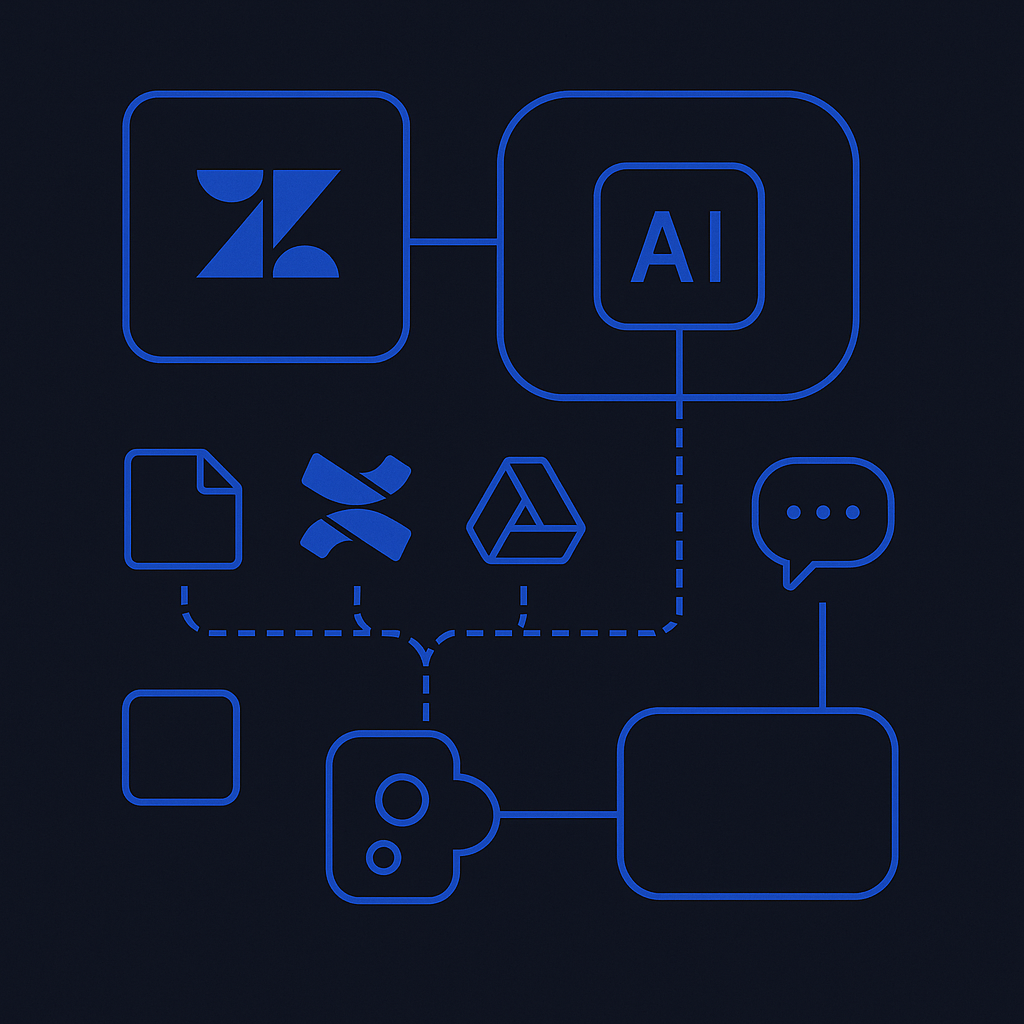
What it does: Trains an AI “teammate” on your company knowledge — Confluence, Notion, Google Drive, SharePoint, help center articles, and past tickets. Deploys as both a customer-facing chatbot and an internal agent-assist tool within Zendesk. Includes a simulation mode that tests AI performance against historical tickets before going live.
Why IT teams use it: Broader knowledge source support than Zendesk’s native AI. The ability to connect Confluence or Google Drive means your internal documentation can inform the AI without migrating content. Simulation mode lets you validate accuracy before it touches real tickets.
Pricing: Team plan at $239/month (annual) includes 1,000 interactions. Business plan at $639/month (annual) adds more advanced features. Custom pricing available for larger deployments.
Limitations: Interaction-based pricing means costs scale with ticket volume, which can get unpredictable for busy IT teams. Output is response-oriented rather than structured resolution steps. No native connection to IT-specific documentation platforms like IT Glue or Hudu. Better suited to teams whose knowledge lives in Confluence or Google Drive.
Best for: IT teams that want AI covering both internal agent-assist and external self-service, with knowledge spread across Confluence, Google Drive, or SharePoint.
Stylo Assist
A lightweight AI copilot that has been in the Zendesk ecosystem since 2020.
What it does: AI assistant that lives in the Zendesk agent sidebar. Drafts replies, summarizes tickets, translates messages, and pulls relevant Help Center articles. Uses a mix of proprietary NLP and GPT models. Also includes Stylo Scores for identifying frustrated customers and Scribe for help center article improvement.
Why IT teams use it: At $15/agent/month, it’s the most affordable AI copilot on this list. The barrier to trying it is low. Ticket summarization and translation are genuinely useful for IT teams handling requests across locations or time zones. With 93 reviews on the Zendesk Marketplace, it has the longest track record of any third-party AI app.
Pricing: $15/agent/month. 14-day free trial. No per-interaction fees.
Limitations: Knowledge source is limited to your Zendesk Help Center, macros, and past tickets. No connection to IT Glue, Hudu, Confluence, or other documentation platforms. Output is response drafts and summaries, not structured resolution procedures. The Shopify integration on higher tiers signals where the product focus really is — e-commerce support, not IT.
Best for: IT teams that want basic agent-assist at a low price and already maintain a solid Zendesk Help Center.
Swifteq
A modular collection of 14+ individual Zendesk apps, each solving a specific problem.
What it does: Rather than one monolithic AI tool, Swifteq offers separate apps you install individually. The most relevant for IT teams: Agent Co-writer (AI-drafted responses), Ticket Classification (auto-categorize and route tickets), Advanced Search Plus (detailed filters for finding related tickets), and Help Center Manager (bulk article operations and translation).
Why IT teams use it: The modular approach means you only install what you need. Ticket classification is valuable for IT teams with high ticket volume and complex routing requirements. Advanced Search helps technicians find how similar issues were resolved previously. At roughly $7/agent/month per app, the cost-per-feature is competitive.
Pricing: Approximately $7/agent/month for individual apps. Help Center Manager starts at $79/month.
Limitations: Each app is separate, so there’s no unified AI that learns across all your tools. The apps are more about workflow automation than deep knowledge retrieval. No connection to external documentation platforms. You’re assembling a toolkit, not deploying an integrated AI system.
Best for: IT teams that want specific workflow improvements (ticket routing, translation, search) without committing to a full AI platform.
Knots
Automation-focused Zendesk apps with AI capabilities for ticket processing.
What it does: Suite of Zendesk apps including AI Autofill (auto-populate ticket fields), GPT Editor (AI-assisted response drafting), Sentiment Analysis, and Round Robin Assignment. The focus is on automating repetitive ticket handling tasks rather than knowledge retrieval.
Why IT teams use it: AI Autofill is useful for IT teams drowning in ticket categorization. If your Zendesk instance has dozens of custom fields for things like client, location, system, and priority, auto-populating these saves real time. Round Robin ensures even ticket distribution across shifts.
Pricing: Starts at $269/month for the Essentials plan (3 apps, 5,000-ticket cap). Pricing scales with ticket volume and number of apps. Free tier available for the Merge Tickets app only.
Limitations: The ticket volume cap means busy IT teams can hit pricing jumps quickly. AI capabilities are focused on ticket field automation rather than resolution assistance. No knowledge base integration beyond Zendesk’s built-in Help Center. GPT Editor produces general responses, not documentation-linked procedures.
Best for: IT teams with high ticket volume that need field automation, routing, and basic AI-assisted drafting within Zendesk.
Macha AI
A purpose-built suite of Zendesk AI apps covering copilot, auto-reply, and translation.
What it does: Rather than one app, Macha offers a suite: Copilot (sidebar AI for drafting replies and pulling knowledge base articles), Auto Reply (automated responses to common questions), and Translations (real-time message translation). Each app is designed to do one thing well within Zendesk.
Why IT teams use it: The modular approach is similar to Swifteq but with more AI depth per app. Copilot drafts responses using your Help Center and past ticket data. The separation of auto-reply from copilot means you can deploy customer-facing automation without changing your agent workflow.
Pricing: Suite starts at $29/agent/month. Individual apps available at $15/agent/month.
Limitations: Knowledge source is limited to Zendesk Help Center and ticket history. No integration with IT documentation platforms like IT Glue, Hudu, or Confluence. Auto Reply is optimized for customer-facing deflection, not internal IT resolution. The product focus is firmly on customer support teams.
Best for: IT teams running Zendesk that want modular AI copilot and auto-reply features at a mid-range price point, and whose primary knowledge base is within Zendesk itself.
How these tools compare for IT teams
| Tool | Best For | Knowledge Sources | IT Doc Integration | Pricing Model |
|---|---|---|---|---|
| ResolvCmd | Documentation-driven resolution | IT Glue, Hudu, Confluence, Google Drive | Yes — core feature | Flat monthly |
| Zendesk AI | Triage and agent-assist | Zendesk Help Center, ticket history | No | Per-agent + per-resolution |
| eesel AI | Multi-source AI teammate | Confluence, Google Drive, SharePoint, Notion | Partial (Confluence, Drive) | Per-interaction |
| Stylo | Budget agent-assist | Zendesk Help Center, macros, tickets | No | Per-agent ($15) |
| Swifteq | Modular workflow automation | Zendesk Help Center | No | Per-agent per-app |
| Knots | Ticket field automation | Zendesk Help Center | No | Tiered by volume |
| Macha AI | Modular copilot + auto-reply | Zendesk Help Center, ticket history | No | Per-agent |
Why most Zendesk AI apps miss the mark for IT teams
There’s a pattern in this list. Most of these tools were built for customer support teams handling B2C inquiries: refund requests, subscription questions, shipping updates. Their AI is trained to write friendly responses and deflect simple questions. That’s a different job than what IT teams need.
IT tickets look like “Exchange mailbox not syncing for three users on the finance team” or “VPN tunnel between Site A and Site B dropped after the firewall update last night.” Resolving these requires specific procedures from your internal documentation, not a generative response from a language model that doesn’t know your network topology.
The gap comes down to knowledge sources. Most Zendesk AI apps can only read your Zendesk Help Center. If your IT procedures live in IT Glue, Hudu, or Confluence — where most IT teams actually keep them — the AI is working with incomplete information. It’s like hiring a new technician and only giving them access to your customer-facing FAQ.
If your Zendesk instance handles IT support, the first question to ask any AI app is: can it reach the documentation my team actually uses? If the answer is no, you’re adding AI that’s guessing instead of referencing.
For more on how AI tools stack up in the MSP world beyond Zendesk, see our best AI tools for MSPs breakdown. And if you’re connecting IT Glue to Zendesk specifically, we wrote a detailed guide on bridging those two systems.
Ready to turn your documentation into instant resolutions?
Start Free TrialMore in MSP Operations
MSP AI Service Desk Landscape 2026: Pia, Neo Agent, Helena, Zofiq, and the Question of Autonomy
A working map of the MSP AI service desk landscape in 2026. RPA-flavored automation (Pia), full-autonomy agents (Neo Agent), PSA-bundled AI (Helena AI / DeskDay), ConnectWise's native acquisition (Zofiq), and where each fits.
Confluence + Your Helpdesk: How to Stop Making Your Team Search Two Systems
Your team documents in Confluence and handles tickets in Zendesk. The knowledge exists in one system. The work happens in another. Here are the options for connecting them without buying Jira Service Management.