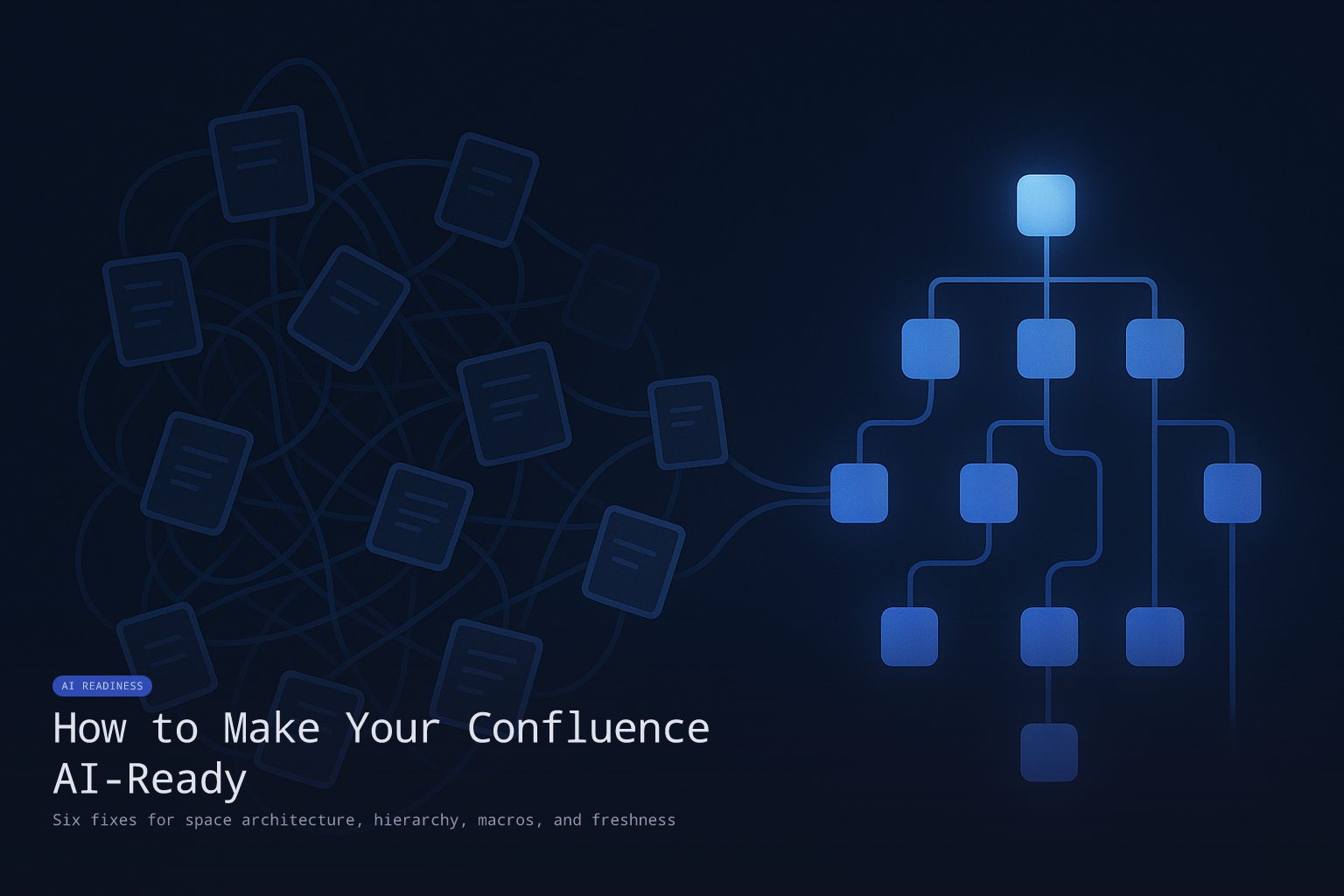
How to Make Your Confluence AI-Ready
By ResolvCmd
If your team relies on Confluence for documentation and you have tried or are evaluating an AI tool on top of it, you have probably hit the gap: the AI works fine on a few hand-picked pages, then accuracy collapses as soon as it gets the full corpus.
Confluence is everywhere. According to industry data, it is the dominant internal knowledge base for Atlassian-shop teams, especially in mid-market and enterprise IT. It is also one of the most common platforms where AI-grounded systems underperform, for reasons specific to how Confluence is built.
This post walks through the six Confluence-specific patterns that hurt AI accuracy and the concrete fixes for each. If you want a broader definition of AI-ready documentation first, start there. This piece assumes you have read the basics and want to apply them to Confluence specifically.
TL;DR
Confluence undermines AI accuracy in six predictable ways: spaces sprawl with overlapping content, page hierarchies do not equal topic taxonomies, macros and excerpts fail to extract cleanly, attachments lose their relationship to the surrounding text, draft and outdated pages mix with current ones, and inline-comment-driven changes leave decisions undocumented. Each is fixable. The fixes do not require migrating off Confluence. They require treating your Confluence as a data layer, not just a wiki.
1. Space sprawl creates overlapping content
The Confluence pattern: every project, team, or initiative gets its own space. Over time, you have 40 spaces, each with their own version of “VPN setup,” “onboarding,” and “incident response.” The AI pulls all of them. Some are current. Some are abandoned. Most diverge in subtle ways. The AI either picks the wrong one or averages across multiple, producing a response that matches no specific reality.
The fix: designate canonical spaces for procedures. One space owns the runbook for each topic; other spaces link to it rather than duplicating it. Use Confluence’s “include excerpt” macro for content that needs to appear in multiple contexts so updates propagate.
If you cannot consolidate (often you cannot, because of organizational politics), at minimum tag the canonical version explicitly so retrieval can prefer it. Most teams find that 30 to 40 percent of their Confluence content is redundant and can be archived without loss.
2. Page hierarchy is not a topic taxonomy
Confluence’s page tree is a great way to organize human navigation. It is a poor signal for an AI tool. A page deep in a hierarchy (“VPN > Setup > Mac > IT-Approved Devices > Procedure”) looks the same as a top-level page once the AI extracts the text. The hierarchy disappears.
The fix: include topic context in the page itself. The first paragraph of every operational page should restate the topic explicitly: “This page describes the procedure for setting up the company VPN on IT-approved Macs.” Tagging via labels also helps; Confluence labels propagate into ResolvCmd’s metadata extraction.
The pattern to avoid is leaning on the hierarchy to do work the page text should be doing. If a snippet of the page is pulled out of context, can a reader (human or AI) tell what it is about? If not, the page needs more explicit framing.
3. Macros and excerpts fail to extract cleanly
Confluence pages use rich macros: panel boxes, info callouts, expand sections, code blocks, and embedded include macros. Some of these extract beautifully. Many do not. An embedded macro that pulls content from another page often appears to retrieval as a placeholder (“[Excerpt: VPN-troubleshooting]”) rather than the actual content.
The fix: prefer plain content over macros for content that AI should be able to read. Use macros for visual emphasis or interactive functionality, but do not put critical procedural information inside macros that may not extract cleanly. Specifically, avoid:
- Critical steps inside expand/collapse sections
- Procedures that span multiple include macros
- Information communicated through panel-box color (the color does not extract)
- Tables that rely on row-merging for meaning
When you do use macros, supplement them with plain-text equivalents. A panel box that says “Important: Run this only after disabling the VPN” should also include that text in the surrounding paragraph.
4. Attachments lose their relationship to surrounding text
Confluence pages frequently reference attached PDFs, screenshots, or supplementary docs. The AI extracts the page text and the attachment text but loses the relationship between them. A page that says “see the attached procedure” is now a useless source.
The fix: inline the substance of attachments in the page where possible. If a procedure is in a PDF, the procedure should also be in the page text. The PDF can stay attached for printability or downloading, but the AI-readable version of the procedure lives in the page itself.
For screenshots, add descriptive text. “Click the Save button” not “Click here (see screenshot).” The screenshot is for humans; the descriptive text is for both humans and AI.
5. Drafts and stale pages mix with current ones
Confluence’s draft state is permissive. Pages stay published indefinitely with no clear lifecycle. Old “VPN Setup (DEPRECATED)” pages sit next to “VPN Setup (Current)” because nobody got around to deleting them. Both rank in retrieval. The user gets either depending on retrieval scoring.
The fix: use Confluence’s archive status (or labels like archived / deprecated) and configure your AI tool to exclude archived content. ResolvCmd’s Confluence integration respects archived status and label-based filtering.
Establish a freshness review cadence. Pages older than 12 months on operational topics get a quarterly review prompt. Pages over 18 months without an explicit review either get updated or get archived. The cost of running an active archival process is much smaller than the cost of stale content polluting retrievals.
6. Inline comments leave decisions undocumented
Confluence’s inline comment workflow is great for collaborative editing but produces a documentation pattern that hurts AI accuracy. A page gets edited in response to a comment thread; the comment thread captures the why of the change but the page itself only captures the what. AI retrieval gets the page (the what) without the why. When a user asks a related question, the LLM cannot disambiguate.
The fix: when an inline comment results in a substantive change, write the rationale into the page itself, not just the comment. A short “Background” or “Rationale” section near the top of the page captures decisions that would otherwise live only in inline comments.
This is one of the few documentation patterns where the cost is upfront (a writer-discipline change) but the benefit compounds for AI readers.
Quick AI-readiness audit for your Confluence
A 60-minute audit you can run today:
- Sample 25 pages from your most-used spaces.
- For each page, ask:
- Is the topic stated explicitly in the first paragraph? (1 point)
- Are operational steps in plain text, not buried in macros or expand sections? (1 point)
- Is the page current (
updated_at< 18 months OR explicitly marked stable)? (1 point) - Are attachments either inlined or summarized? (1 point)
- Is there only one canonical version of this topic in your Confluence? (1 point)
- Does the page declare its type (runbook vs policy vs reference)? (1 point)
- Score the sample. A 25-page sample at 6 points each gives a 150-point ceiling. Score above 110 is healthy. Below 75 means substantial Confluence-specific work is needed before AI grounding will work well.
For full methodology, see our Documentation Health Score guide.
How ResolvCmd profiles your Confluence
ResolvCmd’s Knowledge Studio connects to Confluence via the Atlassian API and surfaces the pages that need attention across all connected spaces. The output is a per-space view ranking pages by improvement priority. The pages that drag down accuracy the most surface first.
If you want to grade your Confluence corpus automatically, start a free trial and connect a space. The first health pass runs within hours of sync completion.
Frequently asked questions
Do I need to migrate off Confluence to make documentation AI-ready?
No. Confluence is fine as a knowledge base. The AI-readiness work is about how you use Confluence, not whether you use it. The fixes in this post all apply to existing Confluence deployments.
Will turning on archived-status filtering break navigation?
No. Confluence’s archive status hides pages from default search but keeps them accessible if you specifically navigate to them. Your AI tool filters them out; your team can still find them if needed.
How does this differ from making Notion or Google Drive AI-ready?
The dimensions are the same; the platform-specific patterns differ. Confluence’s pain points are space sprawl, macro extraction, and hierarchy assumptions. Notion’s pain points are blocks-vs-pages, database confusion, and inline tables. Google Drive’s are folder-as-taxonomy, version-name spaghetti, and mixed file types. Each gets its own audit.
Can I do this audit with built-in Confluence features?
Partially. Confluence’s analytics (in Premium plans) can identify low-traffic pages, and labels can help with categorization. But Confluence does not natively score pages for AI-readiness. That’s what platforms like ResolvCmd’s Knowledge Studio do.
Where does Jira Service Management fit in?
If you use Confluence with Jira Service Management as your ITSM, the Confluence pages typically serve as the knowledge base for ticket resolutions. Making your Confluence AI-ready directly improves the resolution accuracy your team gets in JSM. ResolvCmd’s JSM integration is currently on the waitlist and pairs with the Confluence integration as a power combo.
Sources
- What Is AI-Ready Documentation? A 2026 Definition
- Why Most RAG Projects Fail (And How to Diagnose Yours)
- Documentation Health Score: How to Grade Your Knowledge Base for AI
- ResolvCmd Confluence Integration
- Confluence + Helpdesk: Stop Searching Two Systems
Ready to turn your documentation into instant resolutions?
Start Free TrialMore in AI Readiness
How to Make Your Google Drive Documentation AI-Ready
Google Drive is where most teams accidentally store their documentation: in folders, in Docs, in PDFs, in Sheets, in versions named v2_FINAL_real_v3. Six concrete patterns to make your Drive AI-ready without migrating.
Documentation Health Score: A Practical Audit for AI-Readiness
A simple manual audit you can run on your documentation in three hours. Six dimensions, easy yes/no checks, and a useful score for whether your knowledge base is ready for AI grounding.