Connecting Hudu
Hudu is a common documentation platform for MSPs. ResolvCmd connects to your Hudu instance and syncs articles, procedures, and optionally asset data into your knowledge base. Once synced, this documentation powers resolutions on every ticket.
Prerequisites
- A Hudu account with API access enabled
- Your Hudu instance base URL
- A Hudu API key
Where to find your credentials
| Credential | Where to find it |
|---|---|
| Base URL | Your Hudu instance address. Cloud: https://yourcompany.huducloud.com. On-premise: whatever hostname your Hudu server uses. No trailing slash. |
| API Key | In Hudu, go to Admin > Account Settings > API. Generate or copy your personal API key. |
Use a service account or admin account for the broadest access across all companies and content types.
Connect Hudu
- In ResolvCmd, go to Sources > Add Source
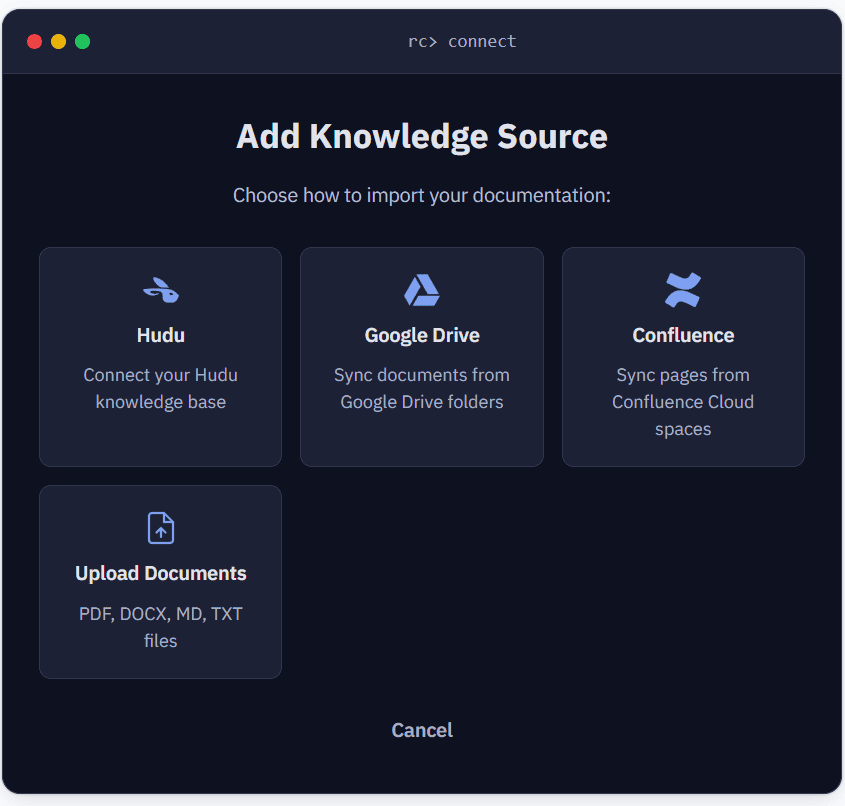
- Select Hudu
- Enter your Base URL (e.g.,
https://acme.huducloud.com) - Enter your API Key
- Choose what to sync under Sync Options
- Click Create Source
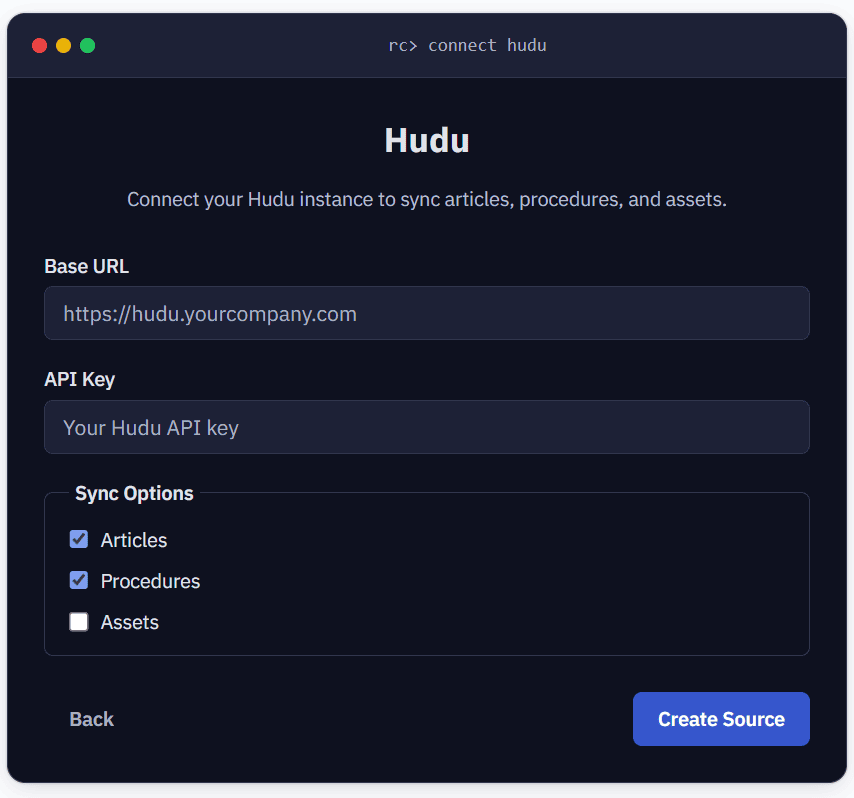
Syncing begins immediately in the background.
Sync options
| Content type | Description | Default |
|---|---|---|
| Articles | Knowledge base articles | On |
| Procedures | Runbooks and step-by-step guides | On |
| Assets | Custom asset types (servers, software, etc.) | Off |
You can change these settings after the source is created by editing the source configuration.
Company filtering
Hudu organizes documentation by company. By default, all articles and procedures across all companies are synced.
If you only want to sync documentation for specific clients, use the company filtering option after the source is created. Edit the source configuration to select which companies to include.
When a ticket comes in from a specific client, ResolvCmd will prioritize documentation associated with that client’s company in Hudu.
Sync behavior
- Full sync on first run — fetches all content from enabled types
- Incremental syncs after that — uses
updated_attimestamps to find modified content - New and updated documents are picked up automatically
- You can trigger a manual sync from the Sources page at any time
Troubleshooting
| Symptom | Cause | Fix |
|---|---|---|
| ”Failed to create Hudu source” | Invalid Base URL or API key | Verify the URL format (no trailing slash) and that the API key is active |
| Sync completes with 0 documents | Content types not enabled or no content exists | Check sync options — Articles and Procedures should be enabled by default |
| 401 errors during sync | API key was revoked in Hudu | Generate a new key in Hudu and update the source configuration |